U-shape room using 3-projector

Overview

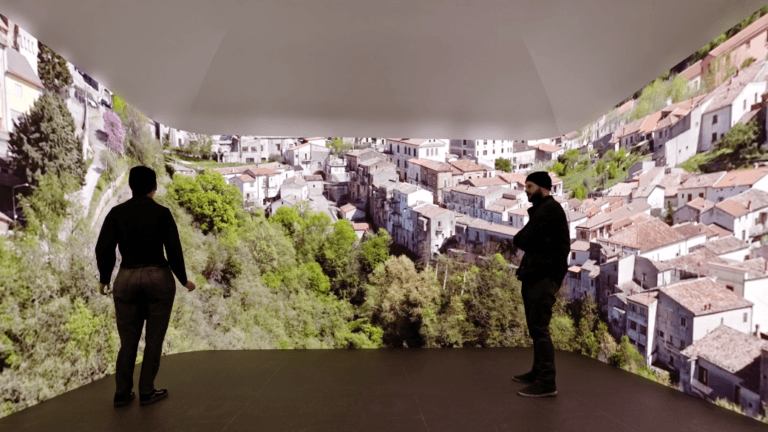
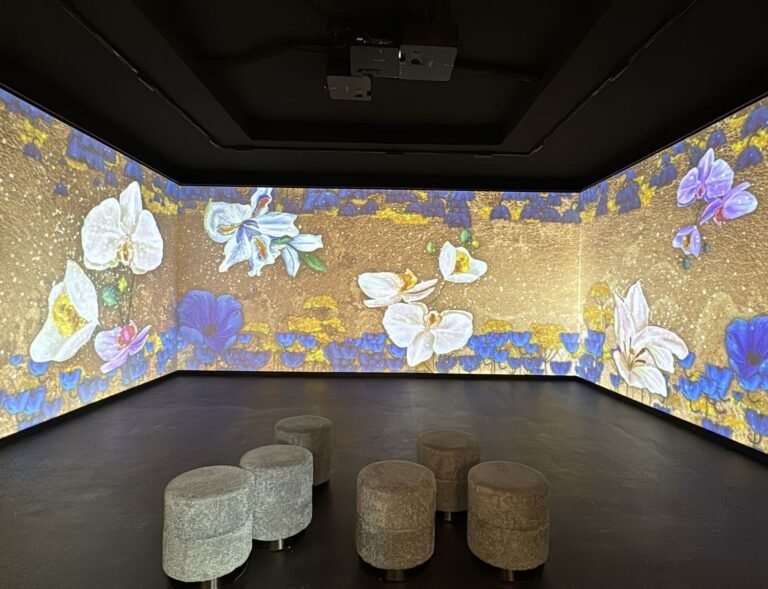
Here are the design showing how to create an immersive room with three walls that seamlessly showing one content across multiple screens. 

Reference design 1: use 3 projectors

U-shape 3 projectors
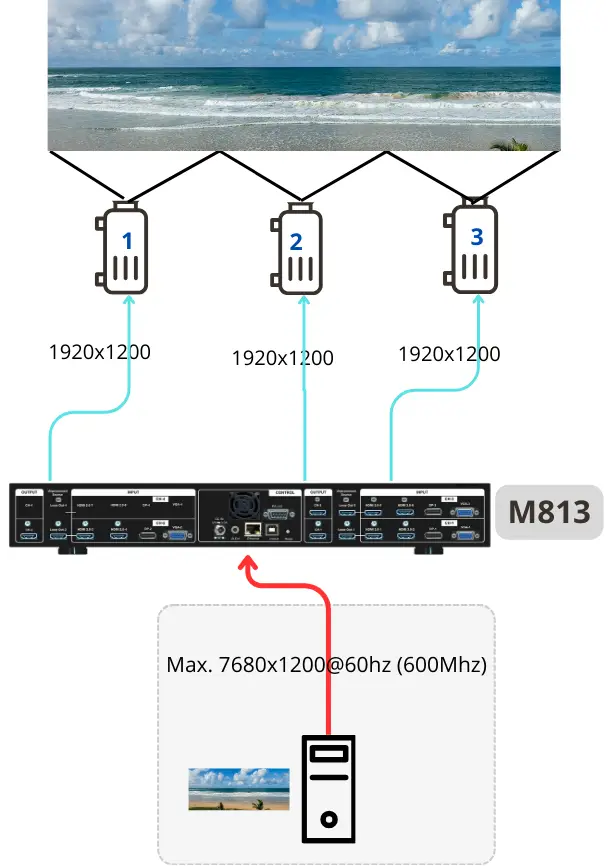
  • Projectors: Use our edge blending calculator to determine the optimized configuration of projector specifications.

  • Image processing: Use the M813 if you want to control all image processing functions in one device. If your projectors have sufficient edge blending and warping functions, opt for video wall series to configure the video wall and overlap setting across projectors. 

  • Input source: Use a playback device capable of outputting a signal with a resolution of at least 5760×1200 for optimal result. 

    Note that the content needs to be created in the same aspect ratio of the entire wall.  In this case, the content should be made in the aspect ratio of (3+3+3) : 2.

U-shaped room with three walls in equal size, each measuring equally in about 3 meters wide and 2 meters high.
How to select the right projectors

Based on the size of the wall (s), viewing distance, and ambient light, you can decide how many projectors you need to cover the wall, and to decide the specifications of the projectors, such as brightness, resolution and throw ratio.  Click below article to get the tips on projector selection.

How to prepare content

GeoBox allows the use of any playback device, selecting the right one is crucial for a smooth workflow and seamless content delivery, enhancing the viewer experience. 

Case studies

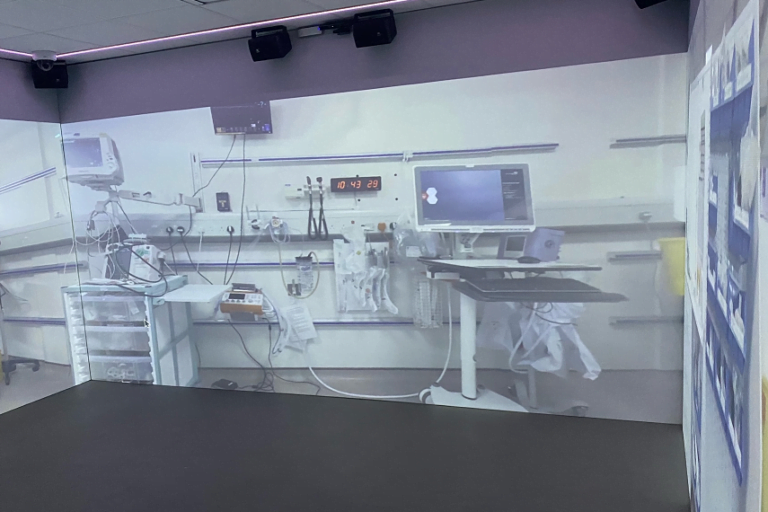
Advancing Museum Experiences with Cutting-Edge Immersive Display Technology
GeoBox Transforms Interior Design through Immersive Technology
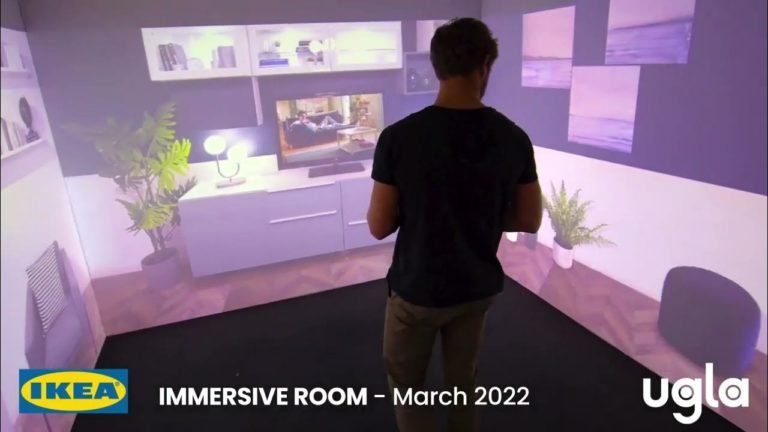
Elevating the Shopping Experience: IKEA’s Immersive Technology in the Heart of Paris