
Why overlap looks brighter in dark scenes – and how to fix it properly
This is a spoke page of our Multi-Projector Display Systems hub. It focuses on one specific failure mode that often appears after a system looks fully calibrated:
black level non-uniformity (banding) in overlap regions, especially visible in dark scenes.
If you are still at the system planning stage (projector count, layout, resolution strategy), start with the hub overview first. This page assumes the geometry and blending are already correct – and something still looks wrong.
The symptom: bright overlap in dark scenes
A very typical complaint in multi-projector installations sounds like this:
“Everything lines up perfectly, blending looks seamless –
but in dark scenes, the overlap area is clearly brighter.”
This effect is often called black level banding or overlap glow.
Key characteristics:
- It is most visible in near-black content (2–10% gray)
- It becomes worse when overall brightness is reduced
- It often appears after commissioning, not during initial setup
- Re-doing geometry or edge blending does not remove it
This is the point where many teams start chasing the wrong problem.
Why this happens (and why it’s not a mistake)
The root cause is not blending math.
It is projector physics.
Projectors never output “true black”
Even with laser projectors and high native contrast models:
- Light engines still emit residual light
- Optical paths leak a small but measurable luminance
- “Black” is always dark gray, not zero
Overlap adds light, even in black
In an edge-blended system:
- A non-overlap area = light from one projector
- An overlap area = light from two projectors
In bright scenes, this difference is masked.
In dark scenes, it becomes obvious.
This is why:
- The system can be geometrically perfect
- The blending curve can be mathematically correct
- And the overlap still looks brighter
Nothing is “wrong” – you are simply seeing the physical limit of projection.
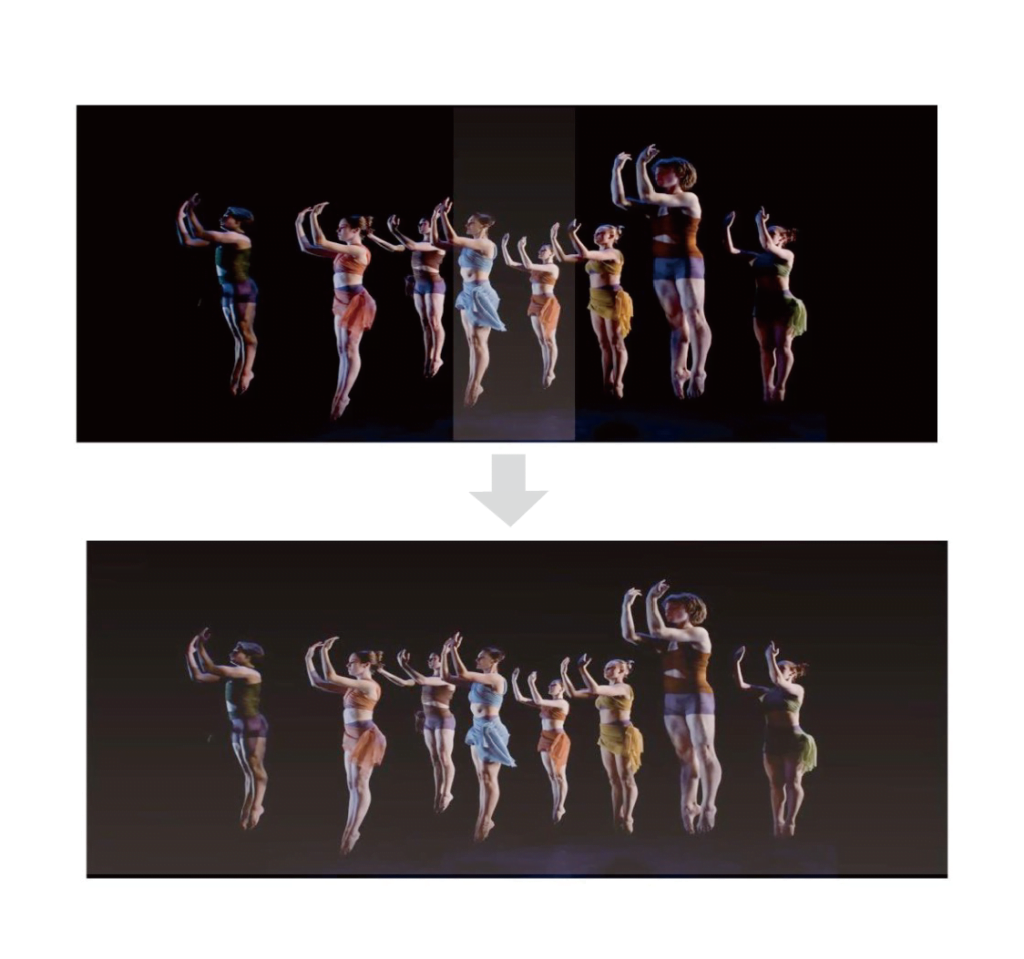
Why it often appears after the system is “finished”
Black level banding is notorious for showing up late in the project lifecycle:
- After lamp aging or laser output stabilization
- After final color calibration and contrast tuning
- After content creators start using darker scenes
- After the environment lighting is reduced
This is why it is frequently reported as a post-handover problem.
At that stage, changing projectors or redesigning the system is rarely an option.
The solution must work at system level, not per projector.
How to confirm you are seeing black level banding
Before attempting any correction, verify the symptom properly:
- Display a near-black test pattern (2–5% gray)
- Darken the room as much as possible
- Observe overlap vs non-overlap regions
- Reduce overall brightness – the banding should become clearer
- Swap projector positions
- If the bright band stays in the same place, it’s a system-level effect
- If it moves, optical variance may be contributing
If geometry, focus, and blending curves are already correct, this confirms a black level issue, not a blending error.
Common solution paths (and their limits)
There are only a few real ways to deal with this problem:
1. Higher native contrast projectors
High-end projectors reduce the effect, but:
- They do not eliminate residual light
- They significantly increase system cost
- They do not solve overlap add-up completely
2. Projector-internal black level controls
Some premium projectors offer limited black level or overlap compensation:
- Effectiveness varies by brand and model
- Controls are often coarse or static
- Cross-projector consistency is difficult to maintain
3. Global black level compensation (system-level)
This is the most controllable and repeatable approach:
- Treats black level as a canvas-wide problem
- Matches non-overlap regions to overlap luminance
- Preserves visual uniformity across the entire image
- This is where external processing becomes necessary.
Global black level uplift with 9-region compensation
A practical implementation of system-level compensation is multi-region black level uplift.
Instead of trying to make overlap darker (which is physically impossible), the system:
- Slightly raises black levels in non-overlap regions
- Matches them to the overlap’s residual luminance
- Creates a visually uniform dark field
Why 9 regions?
Using multiple zones (typically a 3×3 grid) allows:
- Finer control across the canvas
- Compensation for projector-to-projector variation
- Adjustment for real-world installation asymmetries
This approach works independently of content and remains stable over time.
The trade-off (and why it’s usually worth it)
Black level uplift is not magic, and it is important to be explicit:
- The absolute deepest black level is slightly raised
- You trade theoretical minimum black for practical uniformity
In real installations, this trade-off is almost always acceptable:
- Dark scenes look consistent instead of patchy
- Viewers stop noticing overlap boundaries
- The system behaves predictably long after commissioning
For immersive environments, simulation, museums, and large-scale visuals, uniform darkness beats perfect black every time.
When you may not need this
Black level compensation may be unnecessary if:
- Content is consistently bright
- Overlap regions are small or hidden
- Ambient light masks near-black detail
- Projector count is minimal
But once dark content, multiple projectors, and critical viewing are involved, black level management stops being optional.
Related reading and system context
- Multi-Projector Display Systems – system-level overview and planning principles
- How to Plan Multiple Projectors – resolution, layout, and geometry fundamentals
- Avoiding Common Edge Blending Mistakes – troubleshooting before blaming hardware
- Edge Blending & Warping Processing – when external processing becomes necessary